
Uninstall UC
The ObserveID Universal Connector is running as a service on a Windows machine, and can be managed from the Services app window. If needed, the Universal Connector can be uninstalled with the same .exe-file, that was used for the service installation, as follows:
- Double-click the same old installer file that was used for the installation:
ObserveID Universal Connector.exeAnd the Welcome window of the wizard shows up. Click Next.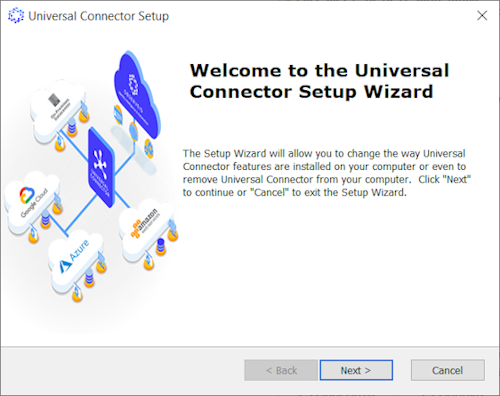
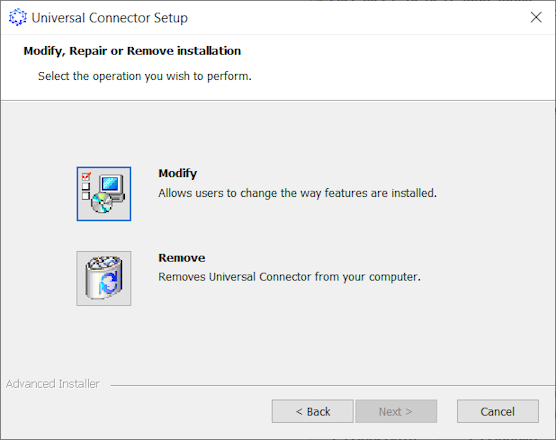
- Click Remove, and then click Next.
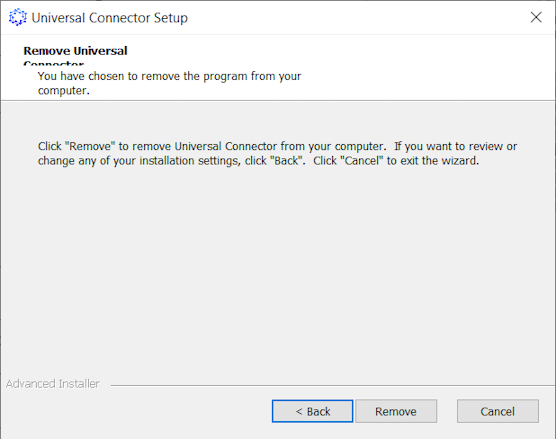
- Click Remove again in the opened window to confirm your intention.
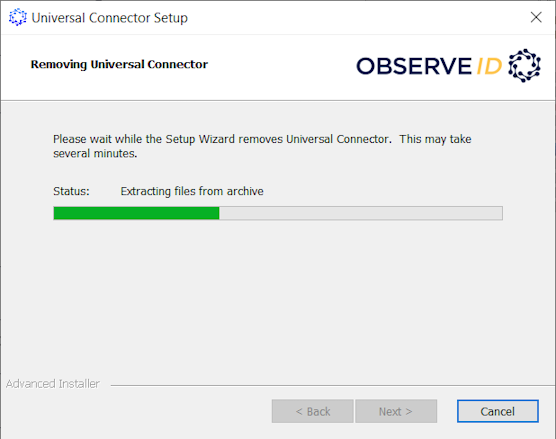
- Wait for the de-installation to finish.
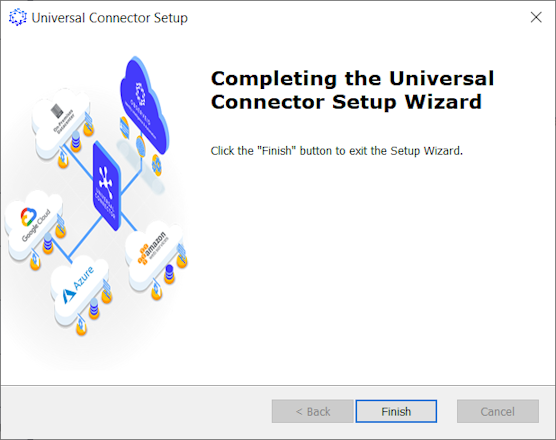
- Click Finish to close the wizard. And the UC is uninstalled.
To verify that the Universal Connector was uninstalled, go to the Services manager, and look through thelist of services running on the machine. If the UC is successfully uninstalled, there is no UC on the Services list.