View accounts
Once imported or created, all accounts show up in the two perspectives:
- Accounts per Integration;
- Accounts per Identity.
What accounts are available for viewing per Integration is determined by the target system where they are created and stored. And if an account is displayed among the Accounts of an Identity, it is defined by the Owner field of the account. All accounts from different targets and the same Identity as their Owner will be displayed for this Identity.
Accounts per Integration
There is an Accounts grid for every integration in: Identity Automation > Integrations > {specific Integration} > Accounts. The Accounts grid displays all accounts imported, and\or created in the current integration. It helps in verifying the overall quantity of the accounts (by using the search, pagination and the vertical scroll bar) as well as the additional information stored by an account and the assigned entitlements (by using the horizontal scroll bar and checking out the available columns).
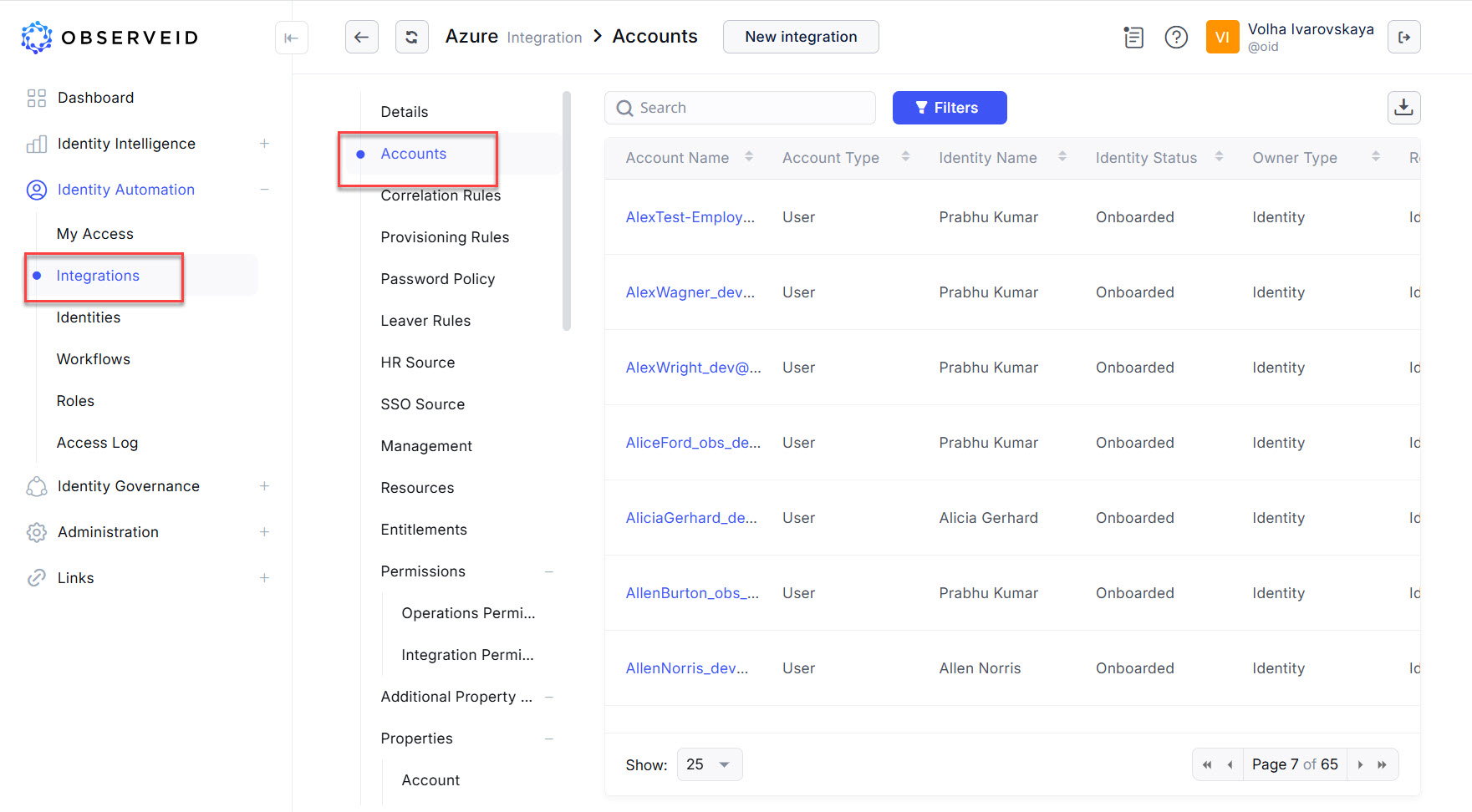 Accounts of the Azure integration
The availability of columns in the grid is determined by the availability of the respective information for at least one account on the currently opened page. If none of accounts have a property, the column with the property is omitted. For more details about the displayed information in the grid, refer to Accounts of an integration.
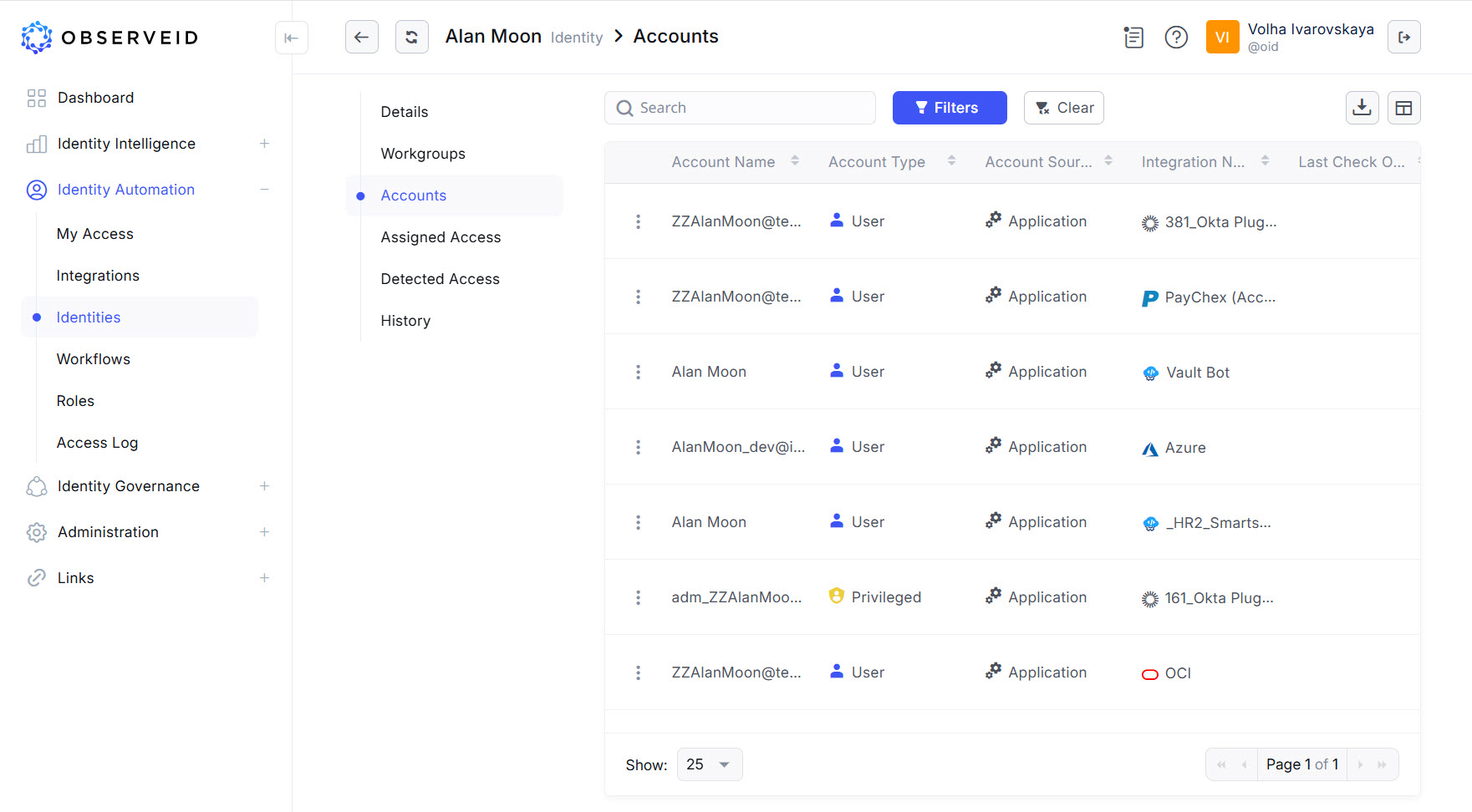
Accounts per Identity
There is an Accounts list for every Identity in: Identity Automation > Identities > {specific Identity} > Accounts. The Accounts list displays all accounts where the current Identity is established as the Owner of the account. It helps in verifying the quantity of the accounts the Identity has across all integrations as well as the entitlements provided by the account, or if needed, the account properties Additionally, each account origin is highlighted to show if it is from one of the integrations in ObserveID. For more details, refer to Identity Accounts.