
Enable SSO Source
When an identity has an account from an SSO Source integration, the identity can log in to ObserveID with the credentials of that account. In this case, the target of the SSO Source integration performs the authentication of the identity, and plays the role of an external remote Identity Provider. It is possible to show examples of such Identity Providers that can be enabled as an SSO Source in ObserveID, given that first, they have been set up as individual integrations: Intra ID, Okta, Google, etc. In this section:
- Why to enable as SSO Source
- How to enable as SSO Source
- How to allow SSO Logon
Why to enable as SSO Source
A system added to ObserveID as an integration is often referred to as a Target (system). It is the target of the communication happened thanks to the integration between ObserveID and a system in the corporate infrastructure. Thus, users of such systems are referred to as Accounts of the User or Privileged type.
Thus, with (1) an integration being an Identity Provider and enabled as an SSO Source in ObserveID, and (2) the Accounts having the User or Privileged type, Identities can use the Accounts to log in to ObserveID.
How to enable as SSO Source
As a prerequisite, the target system should be provisionally configured to be used as an SSO provider.
To enable an integration as an SSO Source, do the following:
-
Go to: Identity Automation > Integrations >{Integration} > SSO Source
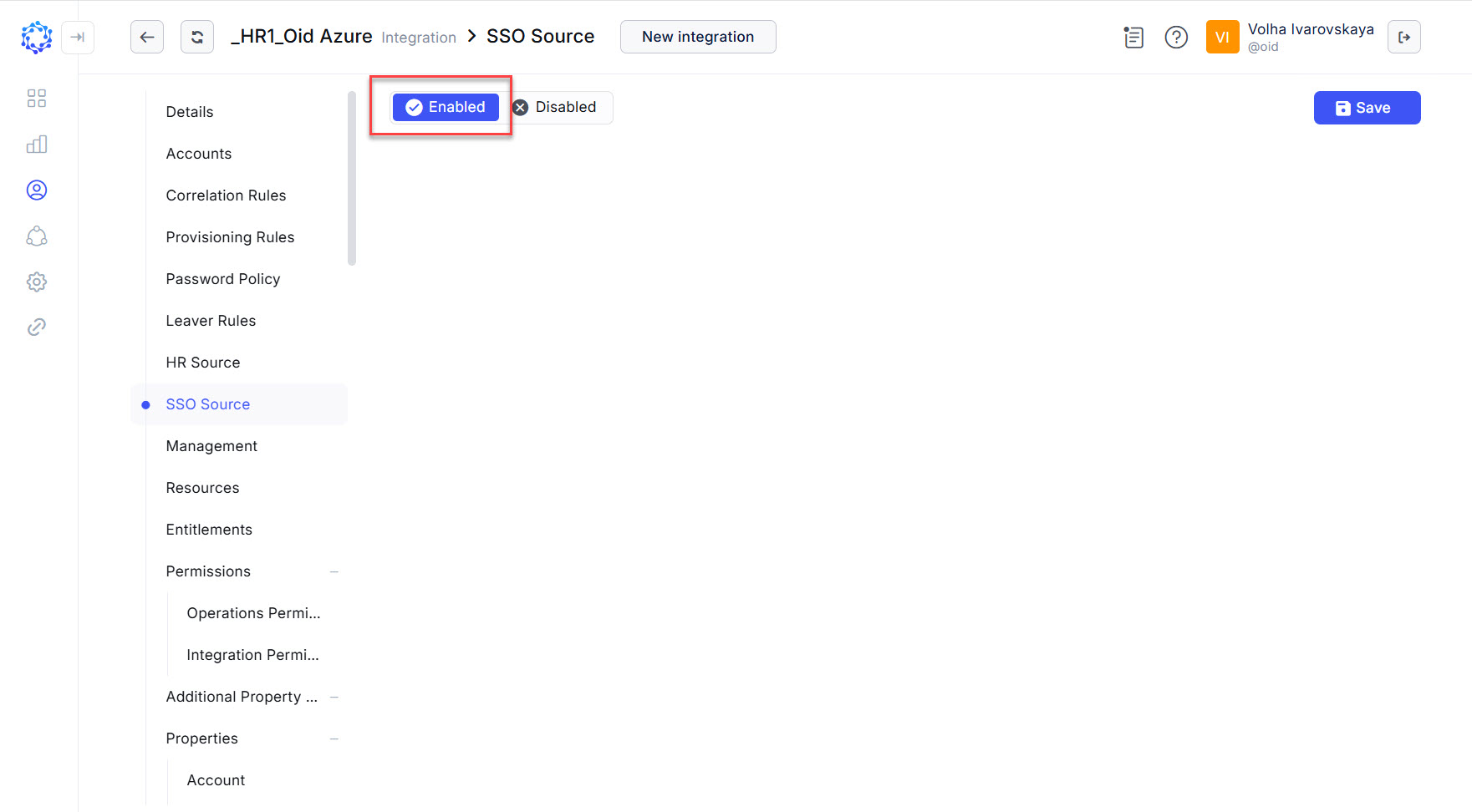 Example of an integration enabled as an SSO Source
 -
Check Enabled.
-
Click Save.
If it is needed to disable the SSO Source, make the opposite: clear the Enabled checkbox, and click Save.
How to allow SSO Logon
For an identity to use an account as an external SSO Logon in ObserveID, the account must have:
- either the User or Privileged account type; and
- the Identity established as the Owner of the account.
If the SSO Source integration account exists in ObserveID, it can be used for the login. For authorization, see the privileges of the Local User. SSO Logon and the Local User have the same authorization.