
Data Import task
A Data Import task imports data: Integration Data and Metadata - from the integration to ObserveID. Given that an Integration is created and running, when the Data Import task is triggered, the data is fetched from the Integration. A Data Import task is available for every specific Integration, and can import full or delta data determined in the schema for the integration.
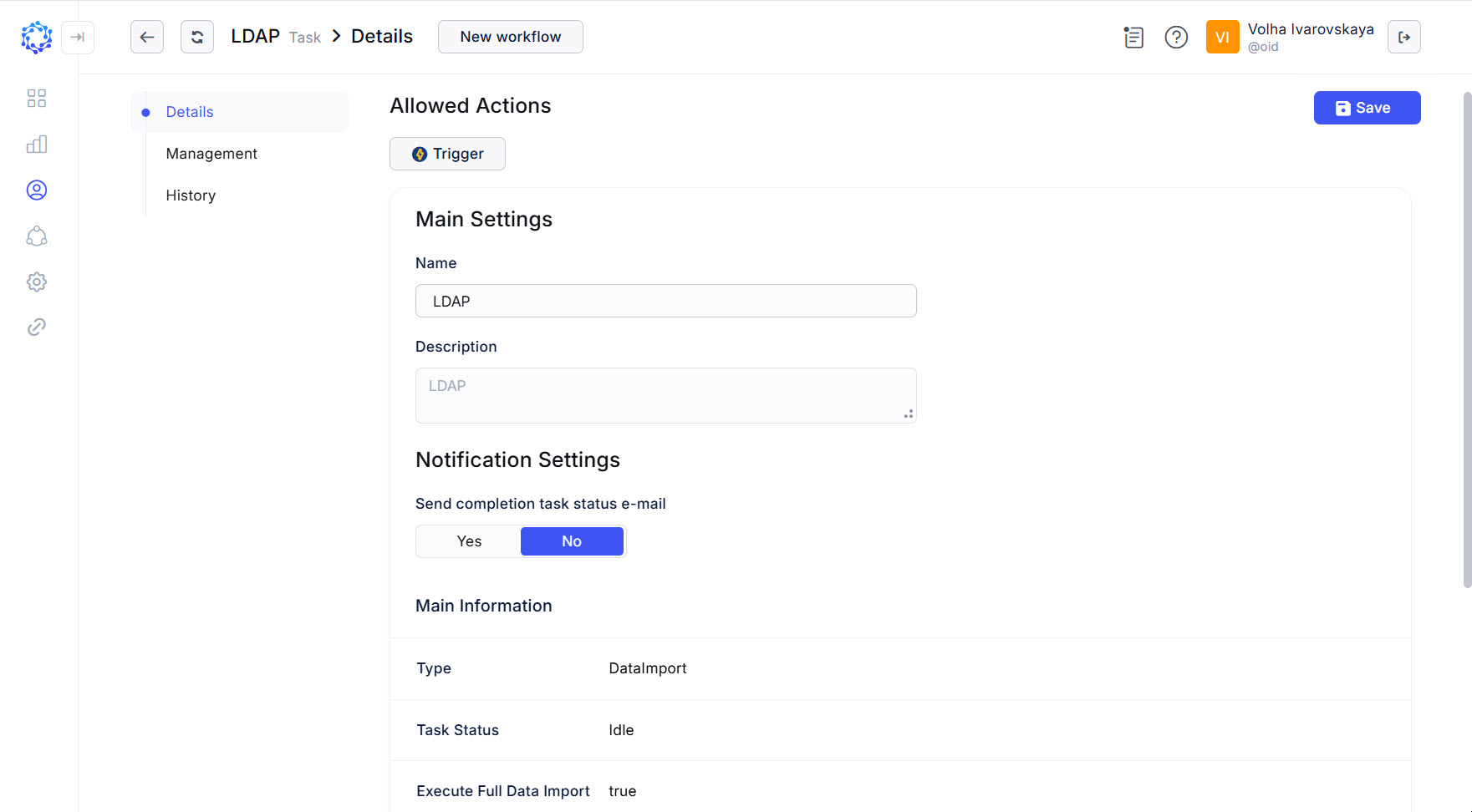 Data Import task for the LDAP integration
To trigger a Data Import task:
- trigger the task by one of the following means:
- either click the Trigger action icon for the task in the Tasks grid;
- or click Trigger in: Identity Automation > Workflows > Tasks > {Task} >Details.
- If triggered, click Refresh a couple of times to notice that the status of the task has changed from Triggered to Idle. It means that the task finished its operation, and the results are ready for use.
Below are the use cases when it is necessary to import full data:
- for the first load of data after a new integration is set up, so that the data if any, to actually appear for the integration in ObserveID;
- after the Correlation and\or Customization Rules, or other integration-specific Rules, like: Operation Rules, - are established, or updated, the Data Import task is used to make the Rules applied on to the Integration Data. For example, after a new additional property is added to the Get Metadata Rule, to make the Integration Data re-calculated according to the change in the data schema, the Data Import task is launched;
- before the HR Source Check task to be triggered, to make certain that the available data is the latest one, so that Onboarding, Offboarding workflows and other activities expected to be done are actually done based on the latest data;
- before the Identities Update workflow to be triggered, to make certain that the latest data from the target is available for the Identities Update workflow to operate on;
- after the Blocked List agent is installed on the target system, to let ObserveID know about the availability of the Blocked List capabilities. As a result, the ‘agent is not installed’ notification is removed from the Blocked and Exception option in the menu of the integration;
- in any other cases when it is necessary to make certain that the Integration Data displayed is the latest one.
What makes data full?
Integration data and metadata comes in from integrations. Integration data provides the integration-specific information, and metadata describes the integration in general. Both types of data revolve around such notions as: accounts, entitlements, resources, and additional properties. Given that the integration is up and running, and if any changes in accounts, and/or entitlements, and/or resources, and/or additional properties in any of the resources of the integration, when the Data Import task is triggered and ended successfully, then any of the following pages display those changes respectively:
- Identity Automation > Integrations > {integration} > Accounts
- Identity Automation > Integrations > {integration} > Resources
- Identity Automation > Integrations > {integration} > Entitlements
- Identity Automation > Integrations > {integration} > Properties
 LDAP integration data