
PullBlackLists task
The PullBlackLists task is used to refresh the Blocked List on the integration in ObserveID with the Blocked List policies that currently exist on the target system. Given that the integration is configured to exchange the Blocked Lists with the target, when the PullBlackListsTask is triggered, the Blocked List policies existing on the target are brought in to the integration in ObserveID.
Note that one PullBlackListsTask is available per integration, and thus, as many integrations are configured to exchange the Blocked Lists, as many PullBlackListsTasks are available. Otherwise, if there is an integration, and there is no PullBlackListsTask for it, then the integration cannot read the Blocked List policies on the target.
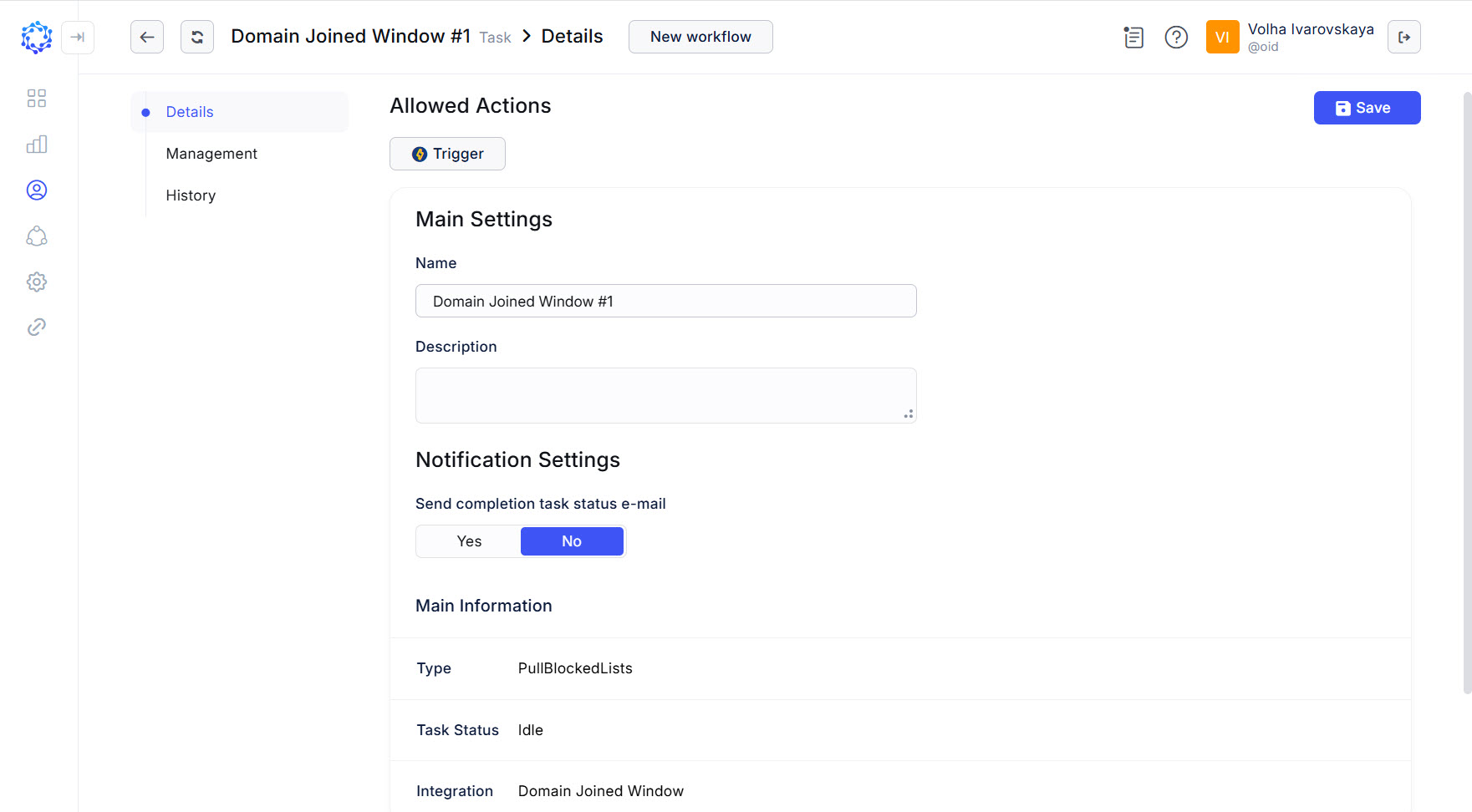 Details of the PullBlockedLists task
To trigger the PullBlackLists task:
-
either click the Trigger action icon for the task in the Tasks grid;
-
or click Trigger in: Identity Automation > Workflows > Tasks > {Task} > Details.
If triggered, click Refresh a couple of times to notice that the status of the task has changed from Triggered to Idle. It means that the task finished its operation, and the results are ready for use.
Below are the use cases when it is necessary to refresh the Blocked List on the integration:
- before setting up a new Blocked List policy, the currently available list of policies should be refreshed to display the latest data and thus, provide a full perspective on what exists now on the target, and how the new policy can be configured in alignment with the existing policies.
History of PullBlackLists task
The History of the PullBlackLists task can show all runs of the task ever made and ensure that the Blocked List the user is currently viewing is the actual version, the latest and ready for use. The history is helpful in troubleshooting. If any doubts, it is enough to investigate the stored records, expand them, read the details, the time and date, the actor and other accompanying context.
The History is opened in: Identity Automation > Workflows > Tasks > PullBlackListsTask > History
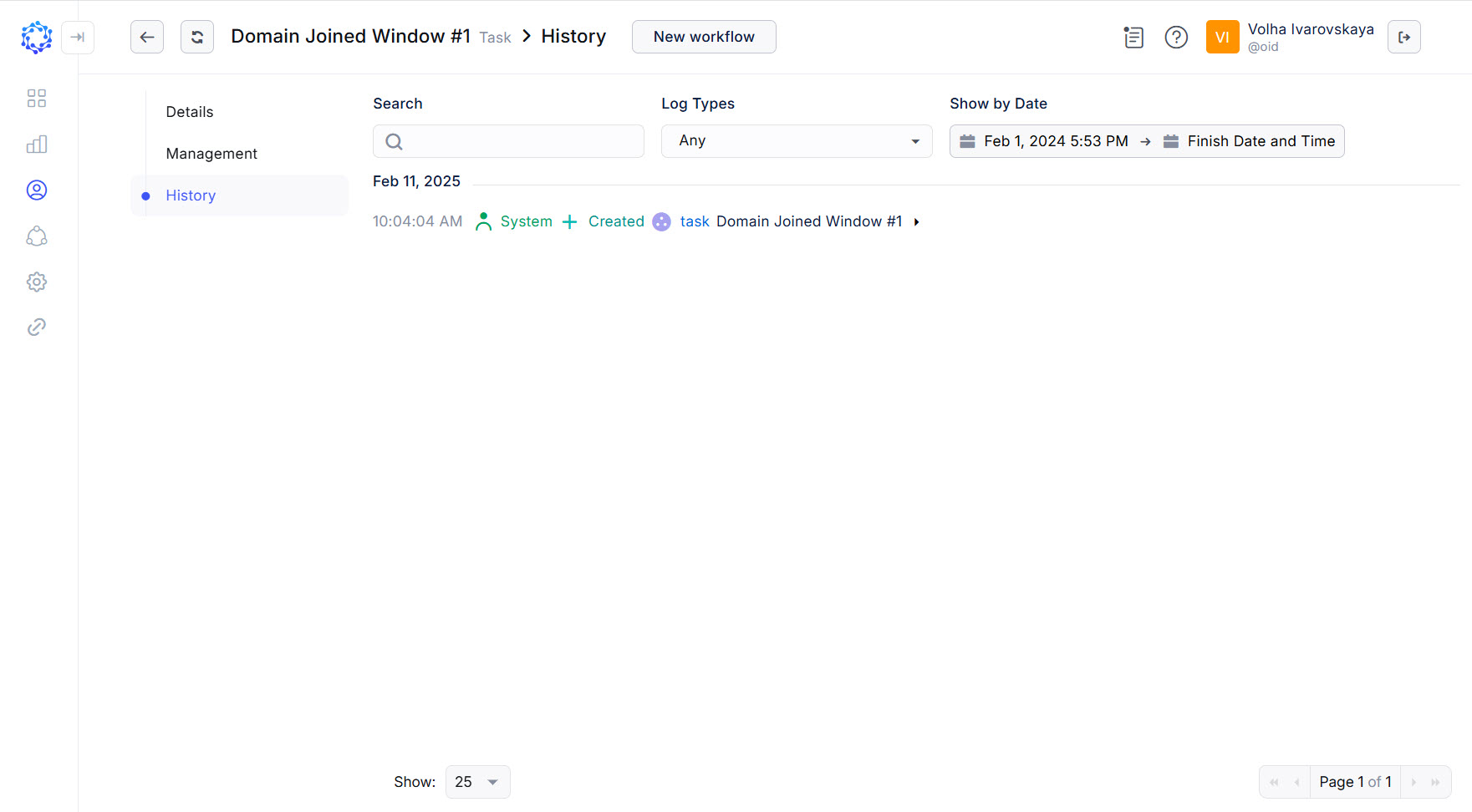 History of the PullBlackListsTask