
PushBlackLists task
The PushBlackLists task is used to send the updated Blocked List to the target system. Given that the integration is configured to exchange the Blocked Lists with the target, when the PushBlackLists task is triggered, and ends successfully, the Blocked List policies are transferred from the integration on ObserveID to the target system.
Note that one PushBlackLists task is available per integration, and thus, as many integrations are configured to exchange the Blocked Lists, as many PushBlackLists tasks are available. Otherwise, if there is an integration, and there is no PushBlackLists task for it, then the integration cannot block access.
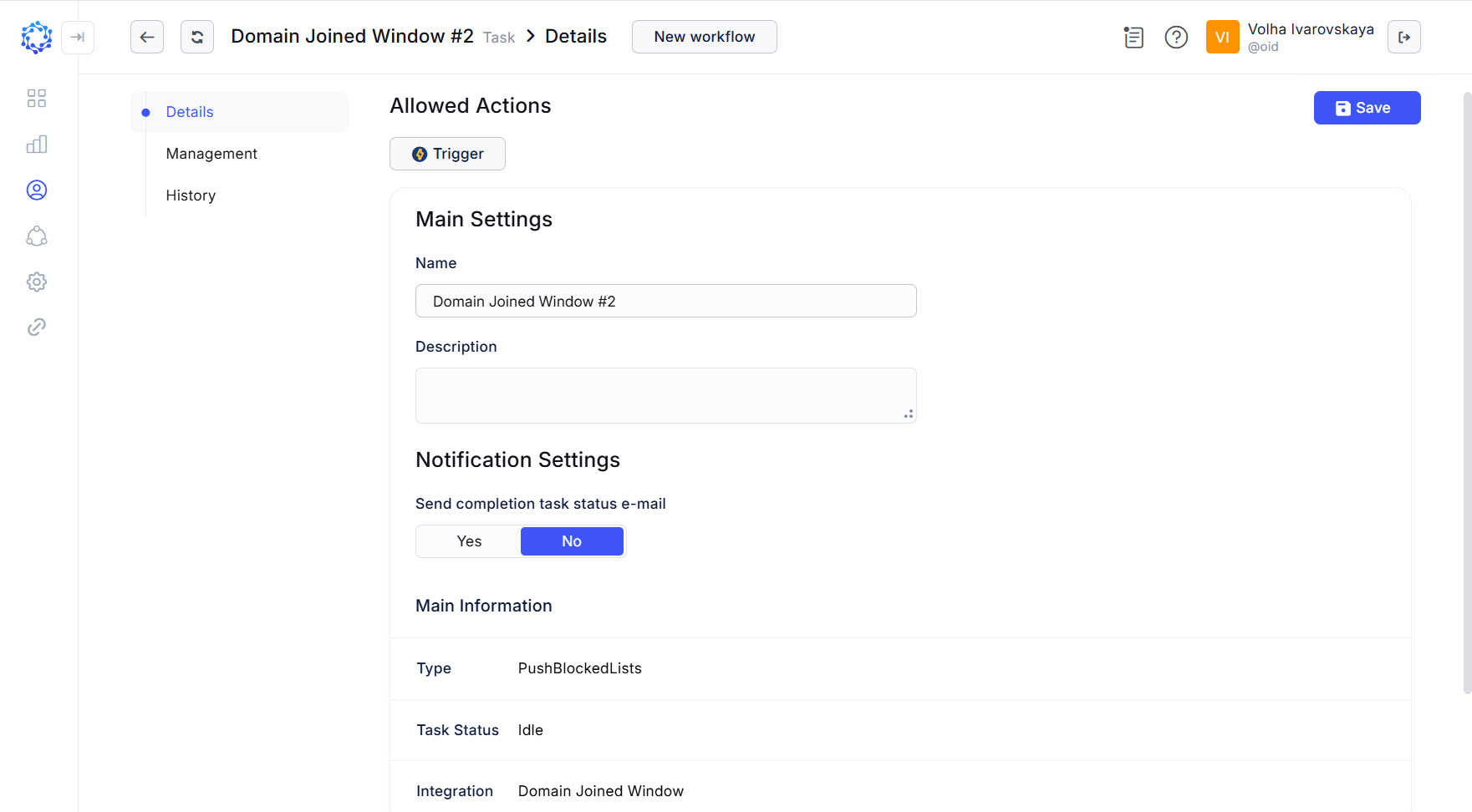 Details of the PushBlackLists task
To trigger the PushBlackLists task:
-
either click the Trigger action icon for the task in the Tasks grid;
-
or click Trigger in: Identity Automation > Workflows > Tasks > {Task} > Details.
If triggered, click Refresh a couple of times to notice that the status of the task has changed from Triggered to Idle. It means that the task finished its operation, and the results are ready for use.
Below are the use cases when it is necessary to send the Blocked List to the target system:
- having set a new Blocked List policy, it must be sent to the target system so that the policy to be applied by the system and the login attempts to be compared against it. Otherwise, if the target system does not get the policy, no blocking happens.
History of PushBlackList task
The History of the PushBlackLists tasks helps to make certain that the configured Blocked List policies are actually sent and applied on the target system. You can use it to troubleshoot the results, and\or get more insight into how the attempt to send the data to the target was actually executed by the PushBlackLists task.
The History of the PushBlackLists task is opened in: Identity Automation > Workflows > Tasks > PushBlackListsTask > History
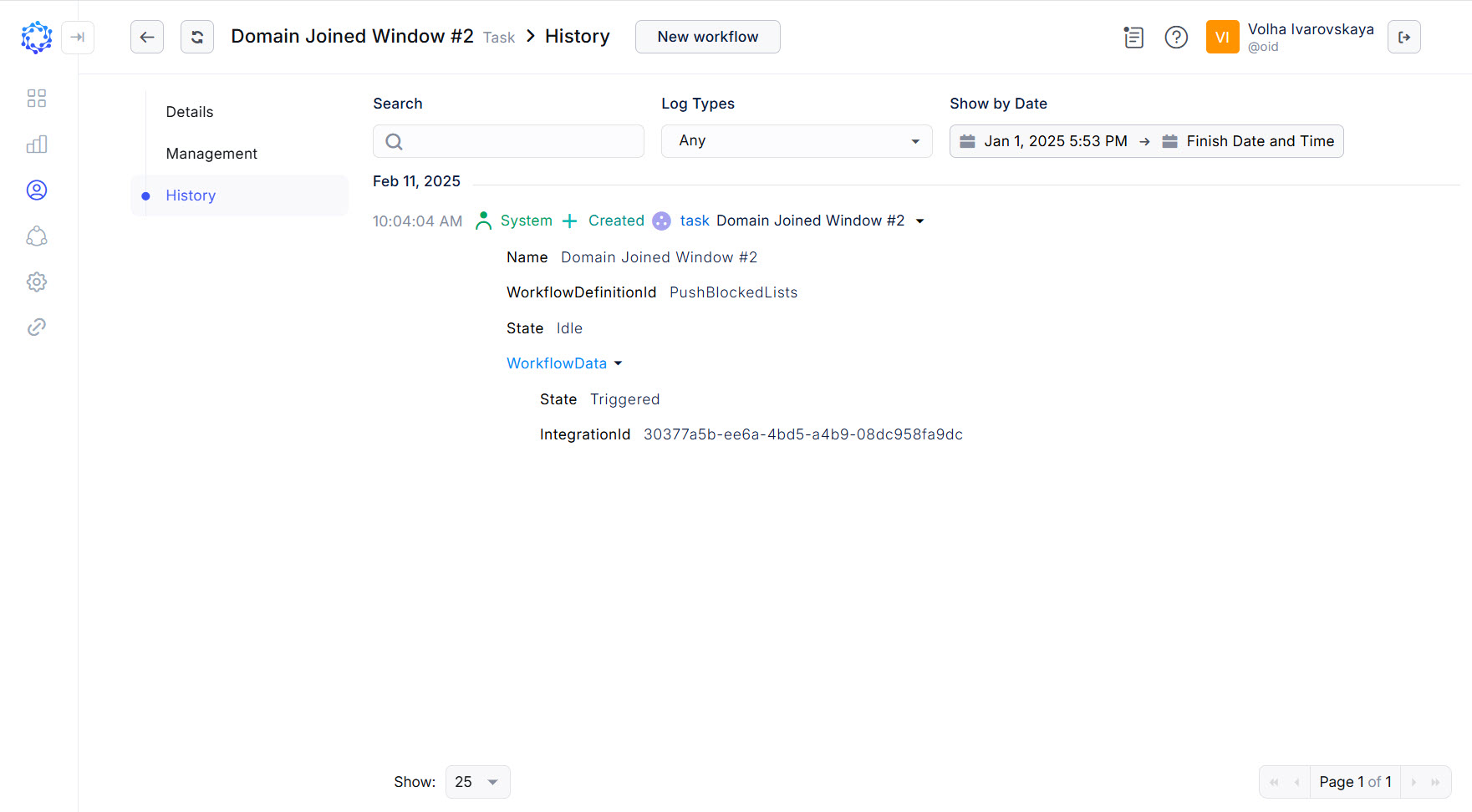 History of the PushBlackListstask