
Tasks grid
The Tasks grid shows all ever created available tasks in the system, see the Figure below. Once the user logs in, the Tasks grid can be opened, as follows: Dashboard > Identity Automation > Workflows > Tasks
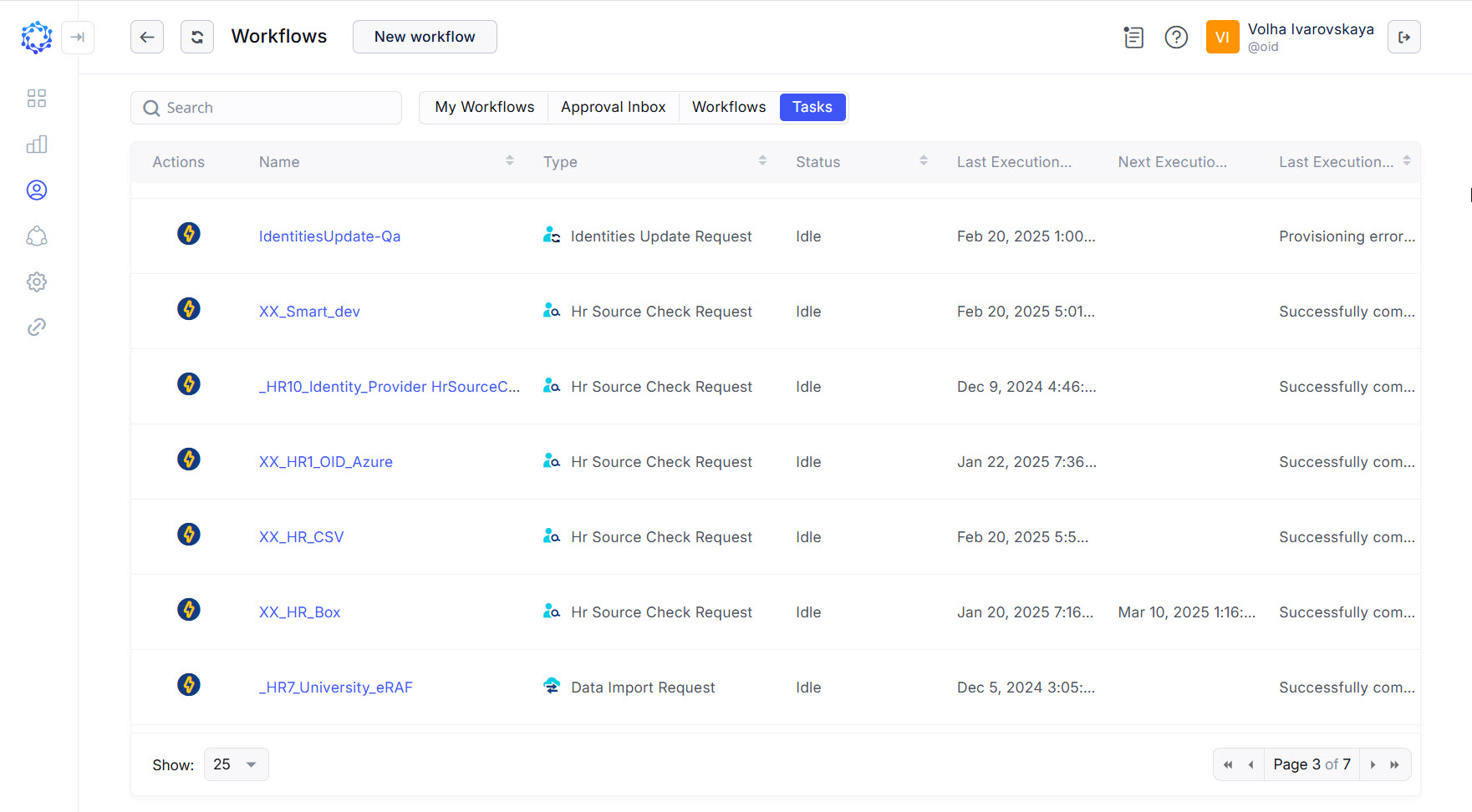 Tasks grid
It is possible to search for and run a Task directly from the Tasks grid, as follows:
- click an icon with required action in the Actions column in the row with the required Task,
- if needed, click Refresh, to refresh the displayed status for the task.
- wait for the Task to finish, and notice the status: if it is Idle, then the Task has been completed.
Task statuses
A Task can have several statuses listed below:
- Triggered - indicates that the Task is still running.
- Idle - indicates that the Task is ready to be launched again.
- Error occurred - indicates that the latest run of the Task finished with an error.
Overview of Tasks
Below is a list of all available tasks created automatically when the system is set up, or an integration is set up, or a feature is set up. For more details, refer to respective information sources.
|
Task |
Description |
|
Data Import Request |
Imports full data: Integration Data and Metadata from the integration to ObserveID. |
|
HR Source Check Request |
Creates new Identities, updates the status of existing Identities, and creates respective number of the Onboarding, Offboarding and Reinstatement workflows. |
|
PullBlackListsTask |
Updates the Blocked List policies for the integration on ObserveID with the Blocked List policies currently existing on the target system. |
|
PushBlackListsTask |
Sends the Blocked List policies of the integration on ObserveID to the target system. |