
Application Build 3.1 and UC 2.12
September 2025
Overview / Summary
The ObserveID 3.0.1 release introduces major improvements across Remote Connect, analytics-based auditing, access governance, and Azure AD integrations. This update focuses on performance, stability, and governance reporting, along with usability enhancements to streamline the user experience.
New Features & Enhancements
- Remote Connect Enhancements
Remote Connect enables users to initiate sessions directly from ObserveID through a web browser to any remote host supporting VNC, RDP, or SSH, including Windows, Linux, and macOS systems. The latest release delivers significant improvements in connection quality and display optimization, resulting in enhanced performance, more efficient file transfers, improved color depth and resolution, greater session stability, and optimized resource and bandwidth utilization.
In addition to these quality improvements, new functional capabilities have been introduced:
-
Physical Keyboard Shortcuts: When a remote session is in Full Screen Mode, users can now apply physical keyboard shortcuts instead of relying on the virtual keyboard, enabling a seamless, native-like interaction with the remote host.
-
File Transfer Progress and Cancelation: The remote session management dropdown bar now shows real-time progress for both file uploads and downloads. For uploads, detailed information is provided, including the percentage completed, transfer speed, and estimated time remaining. Users can cancel both upload and download operations at any time.

-
Guacamole Status Codes: Remote connections powered by Apache Guacamole now display status codes along with descriptive messages and probable causes for disconnections. This enhancement provides greater transparency during connection issues and offers clearer context for both troubleshooting and auditing activities.
-
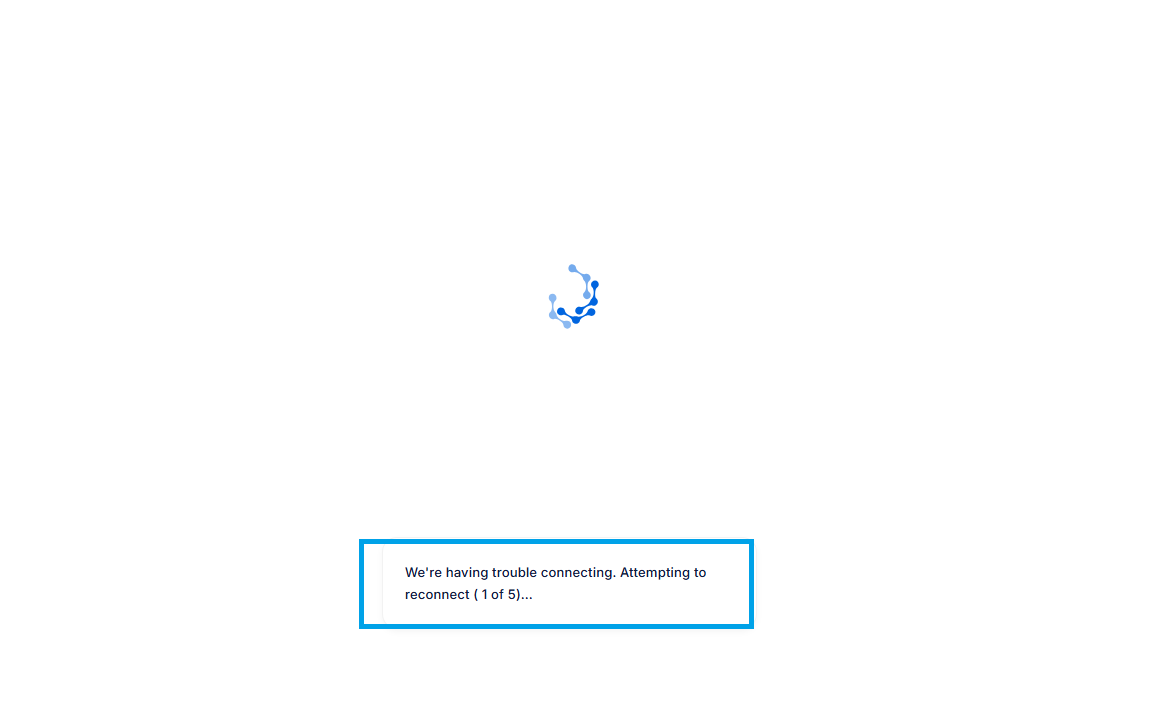
Reconnect on Disconnect: When a remote session enters a disconnected state, the system now automatically attempts to reconnect, retaining the Guacamole client for up to five retries. If the reconnection is successful, the user will return to their active session, allowing work to resume seamlessly from where it was interrupted.
-
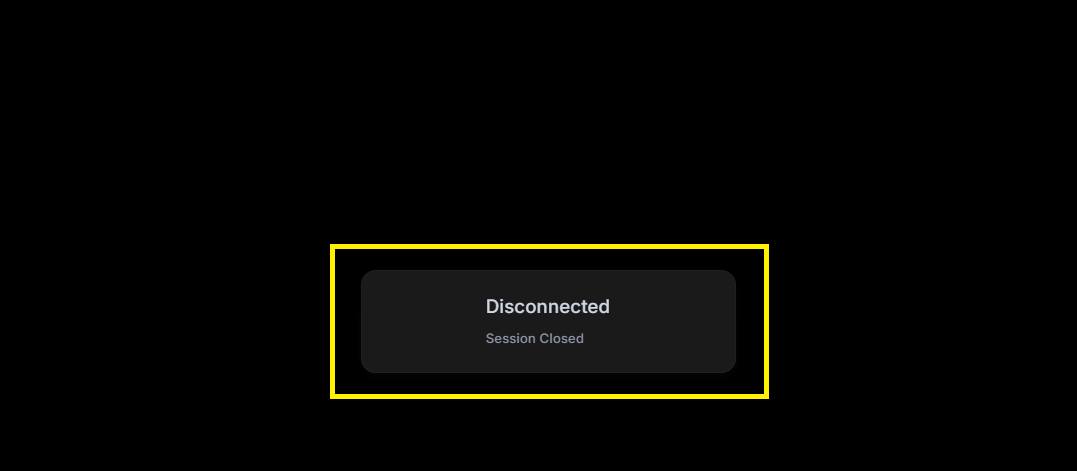
Sign-Out to End Session: When a remote client window is closed or a disconnect happens, the session state is preserved to maintain continuity. To fully terminate a session, users must explicitly sign out. A session is terminated when the user signs out via Task Manager or selects Sign Out from the Windows Security screen, ensuring proper closure of the session and resource release.
- Session Audit in Analytics
The Audit Log report in Analytics now provides expanded visibility into sessions detected on integration targets for audit purposes:
- Orphan Account Sessions: Sessions initiated from orphan accounts, which are created directly on integration targets instead of being provisioned through ObserveID, are now detected and recorded in the Audit Log report.
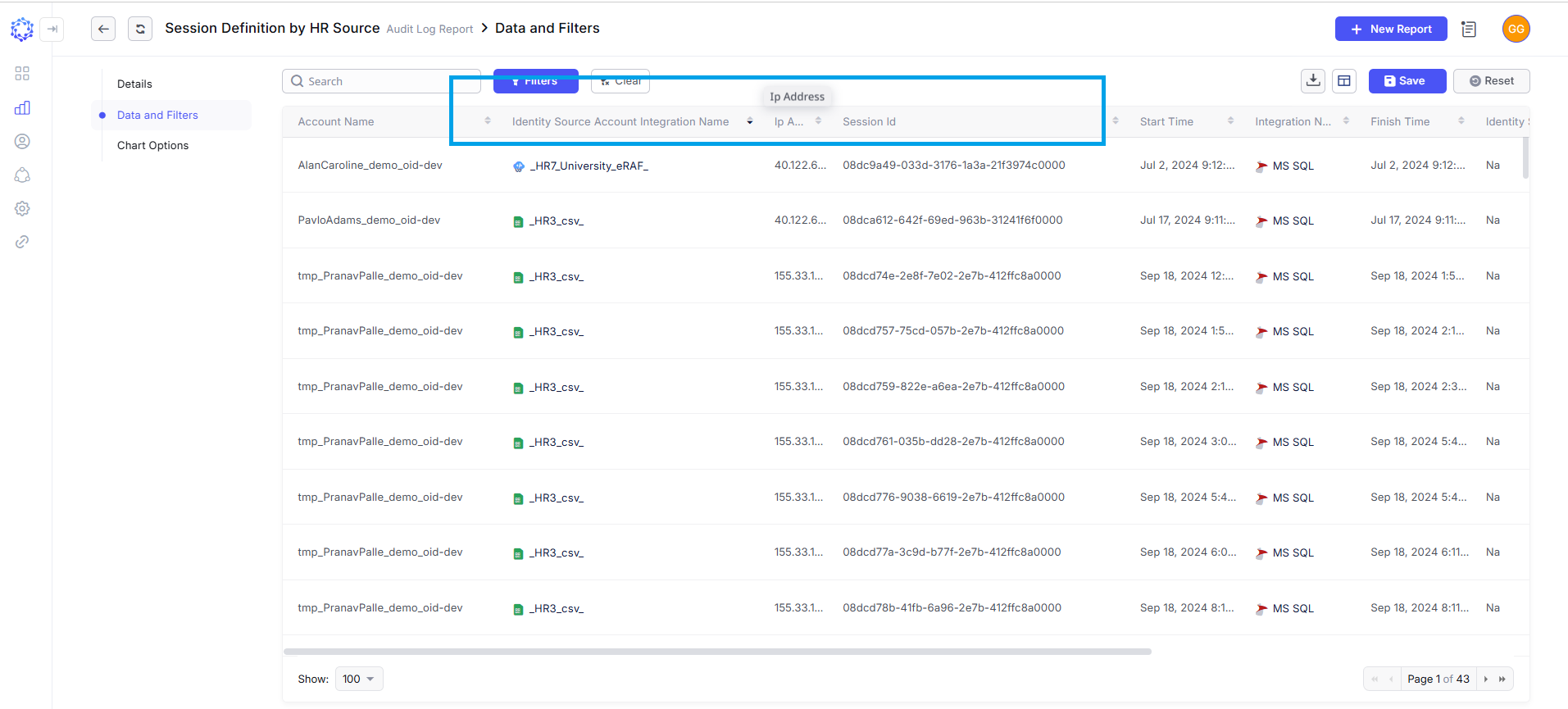
- Session Definition by HR Source: Each session on an integration target is characterized by specific properties such as session ID, ticket ID, and IP address. The HR Source integration associated with the account owner can now be identified for each session, providing enhanced context and accountability in audit reporting.
- Access Governance Improvements
Certifications and Analytics reports can now generate datasets based on the Last Certified Date of assigned entitlements, enabling differentiation between recently certified and critical certifications.
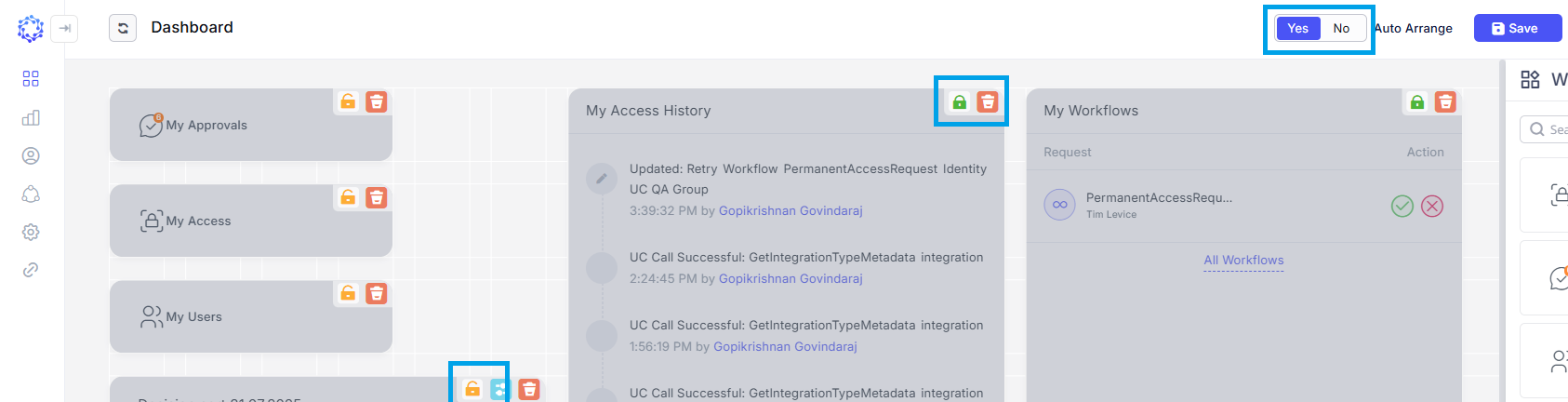
- Dashboard Enhancements
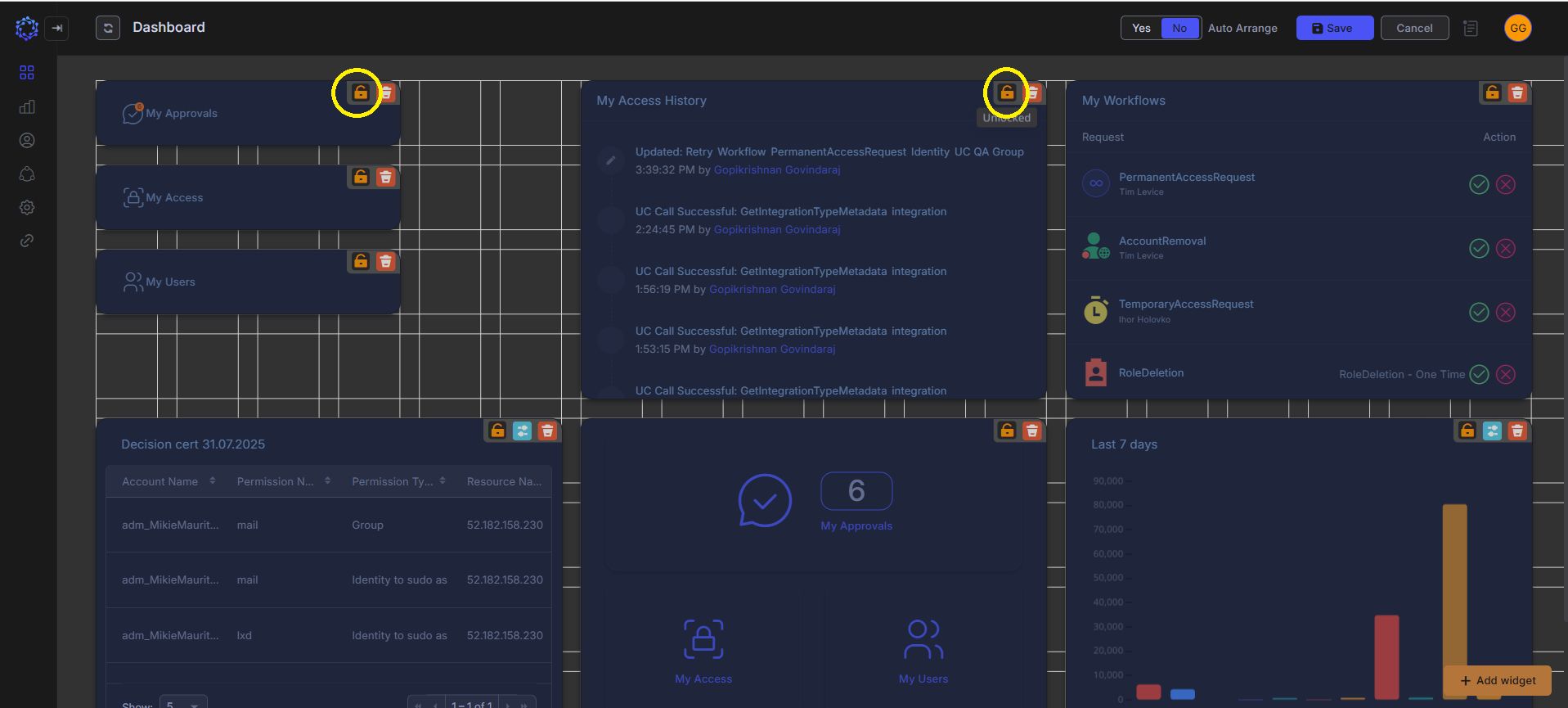
The dashboard now features locking and auto-arranging capabilities for enhanced usability and control. Individual widgets can be fixed in both size and position, ensuring they stay anchored while other widgets are moved around the canvas. Widgets can be rearranged manually or automatically; in automatic mode, displaced widgets are intelligently repositioned to an appropriate location on the canvas.
- Logging & Notifications
- Expanded logging of user actions (role and group changes).
- Reduced frequency of system-generated log entries.
- Consolidated access change notifications into a single summary email per identity.
- Azure AD Integration
- Subscription-level IAM role assignments are now optional for Microsoft 365/Exchange integrations.
- Subscription-level IAM roles remain mandatory for Azure cloud resource management.
- Litigation Hold Support
- ObserveID now supports placing mailboxes on litigation hold through Azure AD integration.
- Litigation hold properties are imported and visible in Analytics.
- Provisioning rules can toggle litigation hold during identity update workflows.
Technological Improvements
- Optimized resource utilization and session display performance for remote connections.
- Refined logging service architecture for meaningful audit data and reduced clutter.
UI & User Experience Enhancements
- Dashboard widgets can now be locked in place or auto-arranged for a cleaner layout.
- Access change notifications consolidated into one email, simplifying the user experience.
Affected Components & Modules
- Remote Connect
- Analytics (Audit Logs, Certifications)
- Dashboard
- Logging Service
- Azure AD Integration
References & Support
For detailed migration instructions or further technical assistance, please contact your ObserveID support representative directly at [email protected].
Thank you for choosing ObserveID!